Product / variant → stock
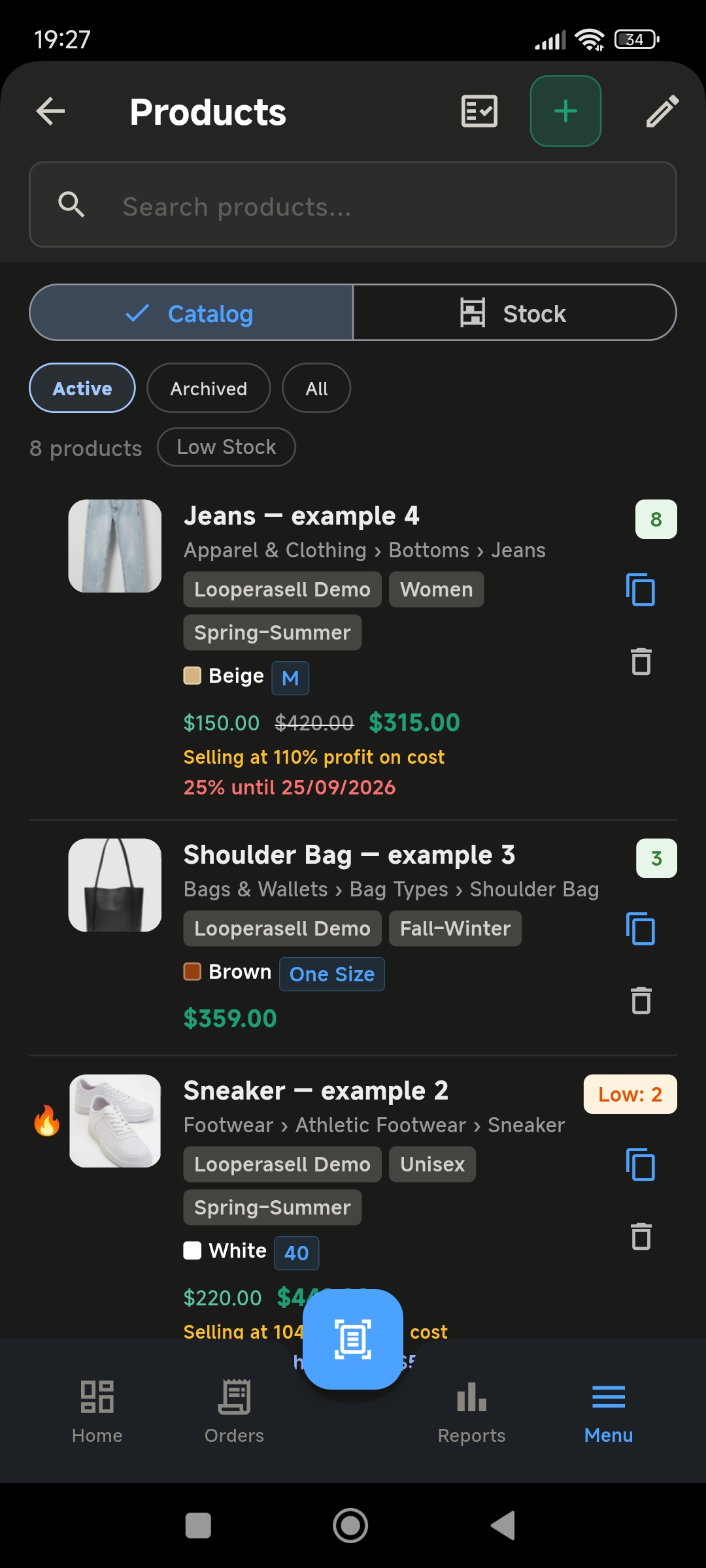
Catalog and stock in one list
Variants, sizes, and low-stock sit on the product. When the order saves, this is the same place the quantity moves.


Social seller: order management, inventory, shipping & payments.
Orders no longer get lost in messages.
Once the order is taken, the whole operation runs on the phone.
50 orders free — no card to start.
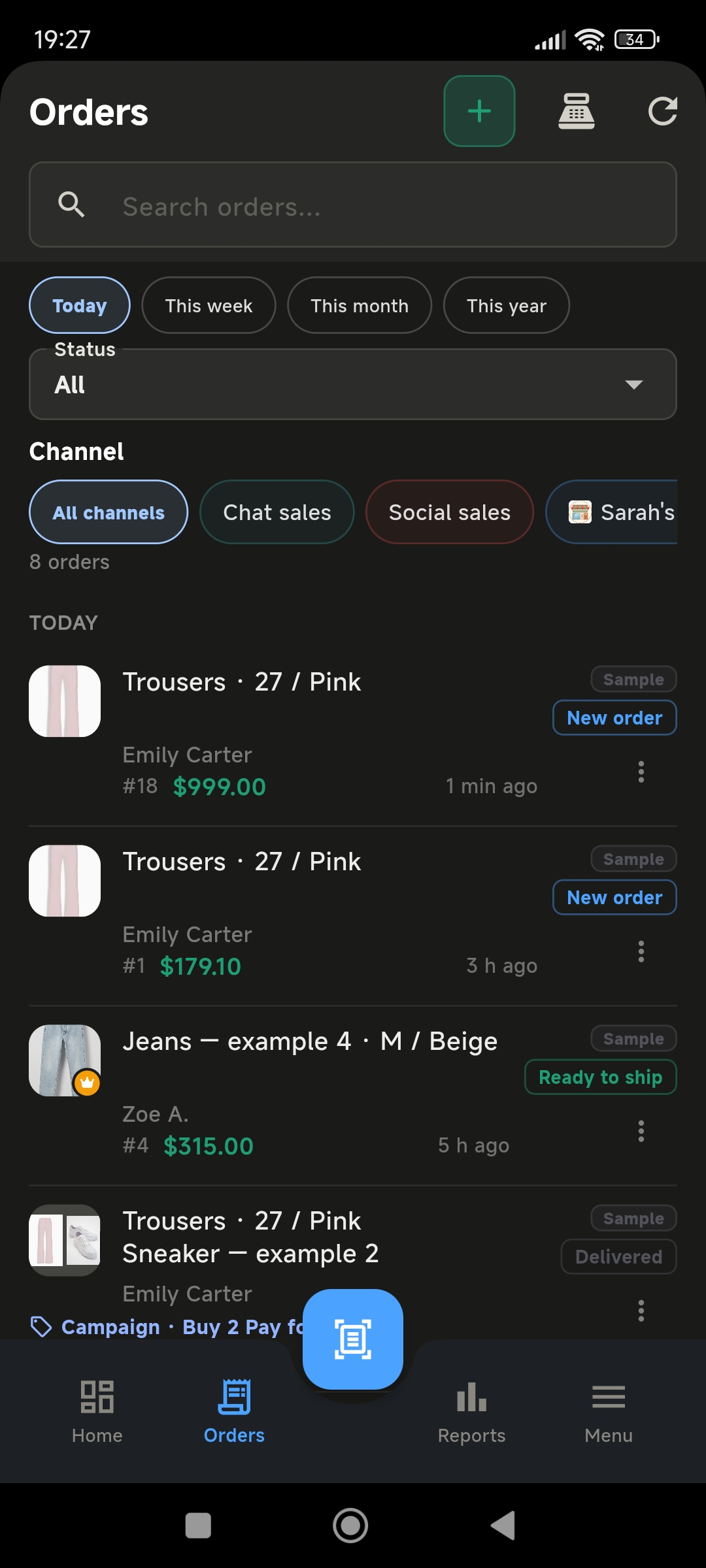
Saving the order is the starting point. Catalog, stock, payment, customers, and reports stay on the same phone — no PC, no extra stock tool.
Product / variant → stock
Variants, sizes, and low-stock sit on the product. When the order saves, this is the same place the quantity moves.
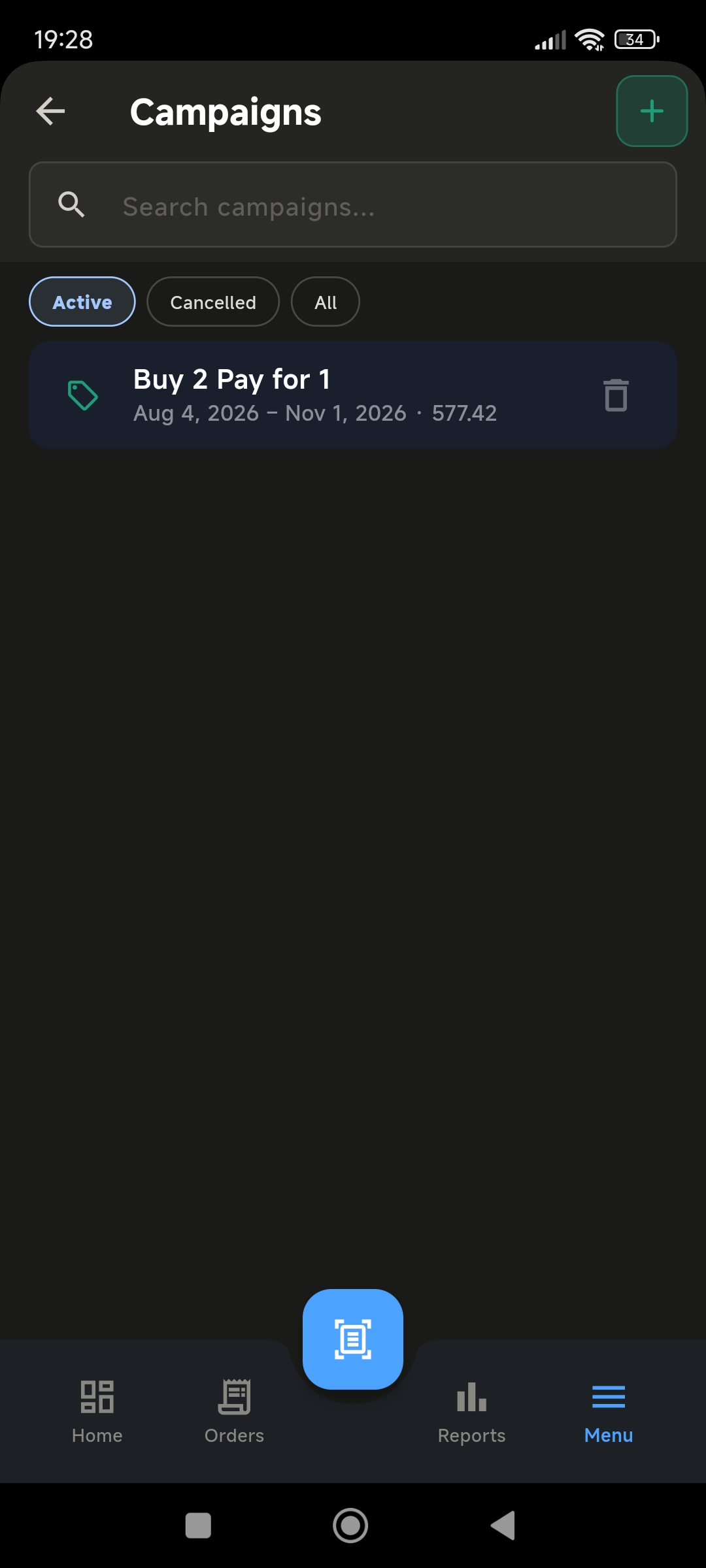
Price → campaign
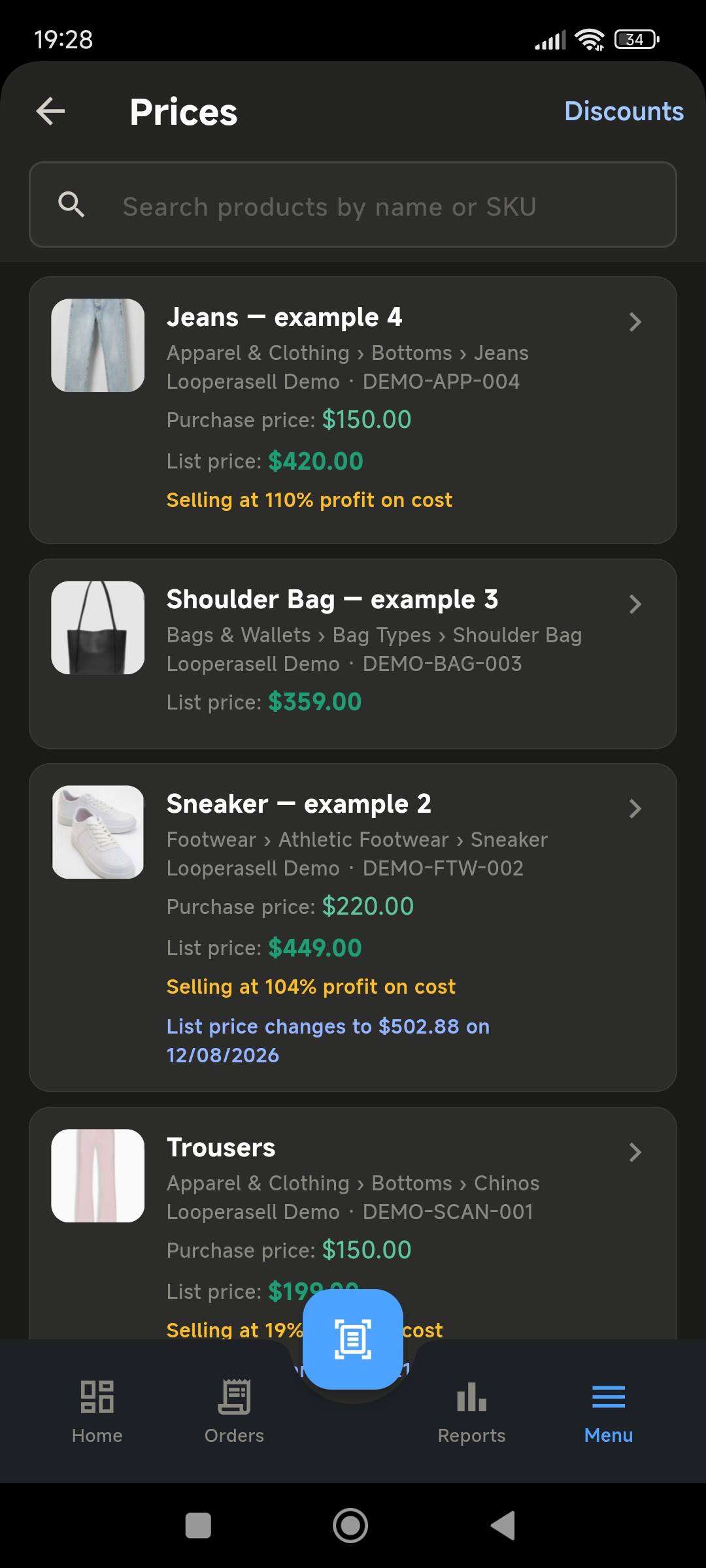
Not a separate pricing website. Margin on the SKU, then Buy 2 Pay 1 on the same phone — the order line can pick it up.
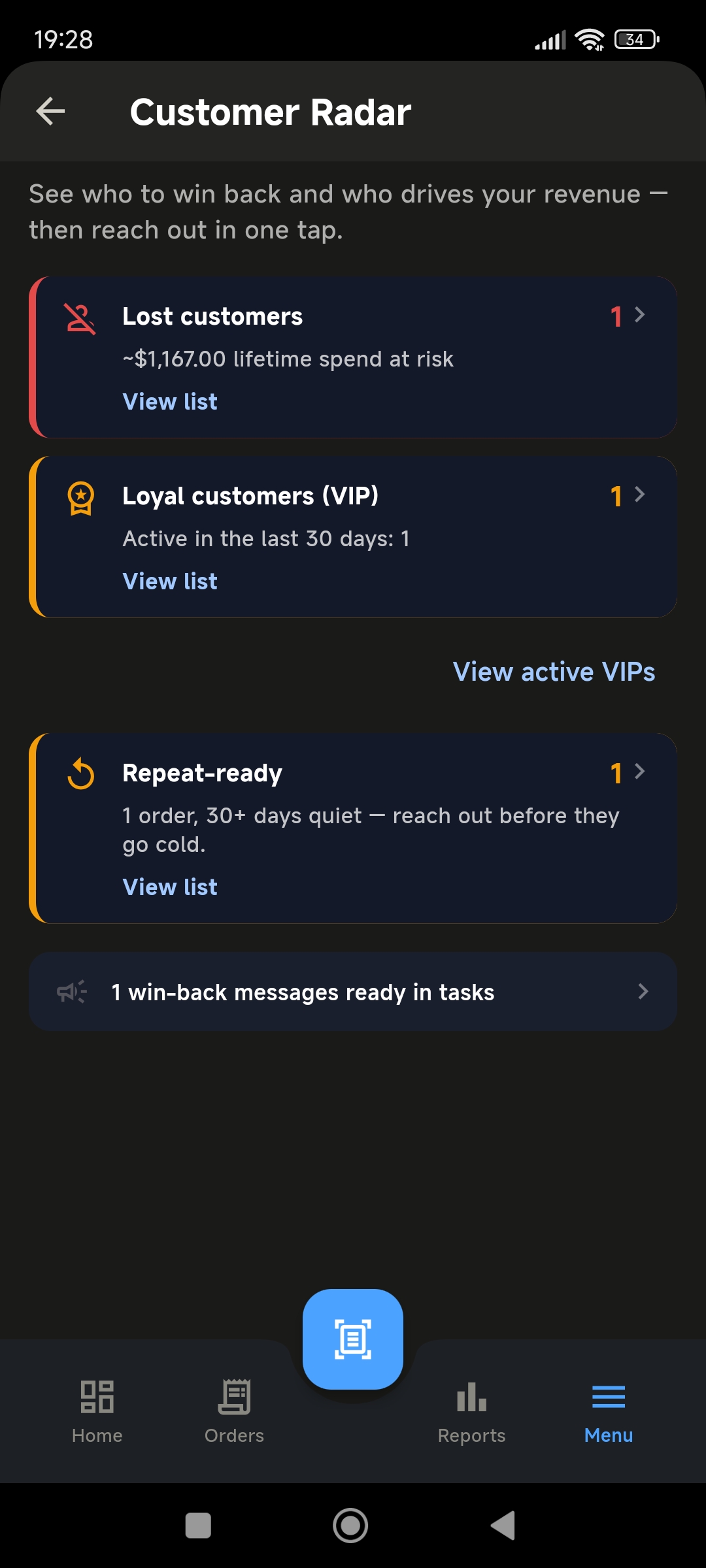
Customer
VIP, lost, and repeat-ready come from the orders you already saved. Reach-out is a task, not an auto-send.
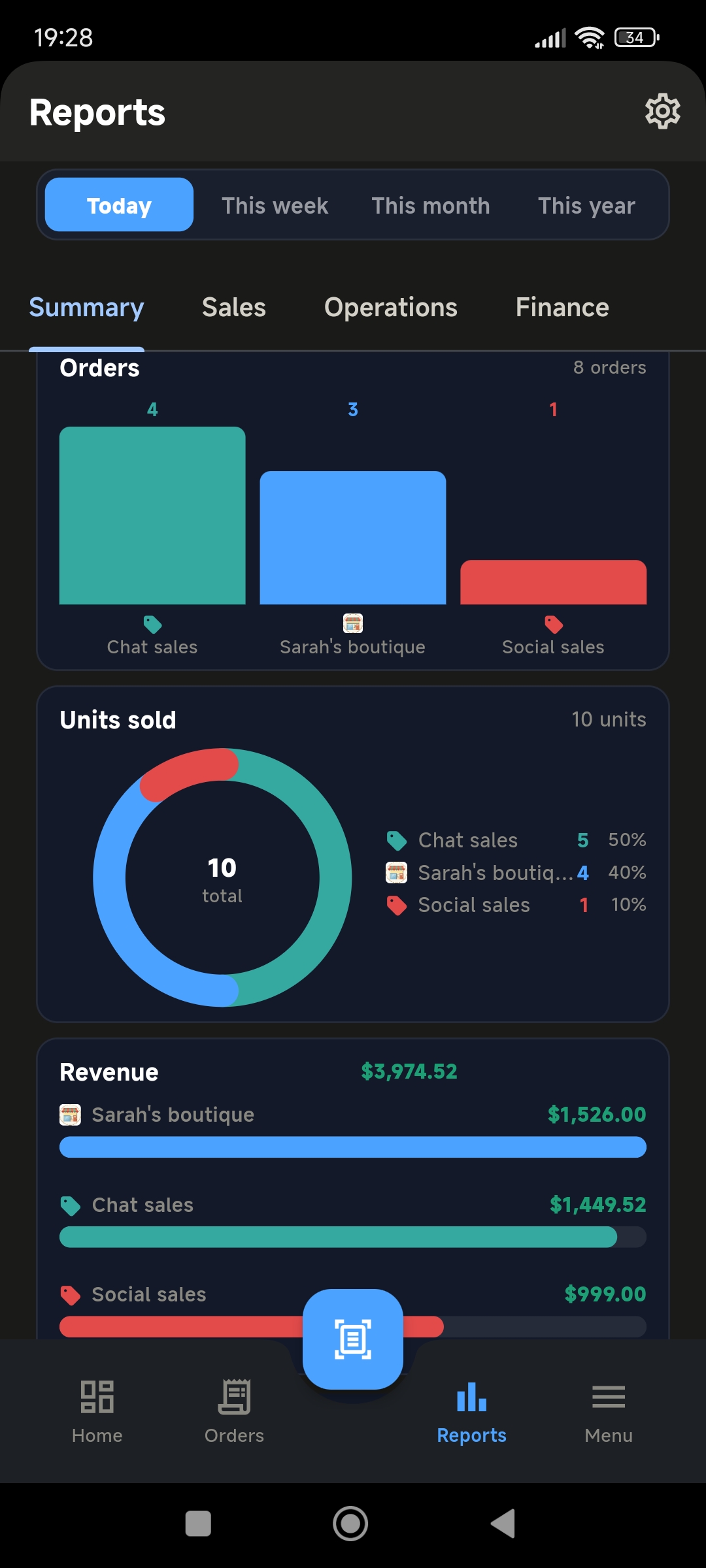
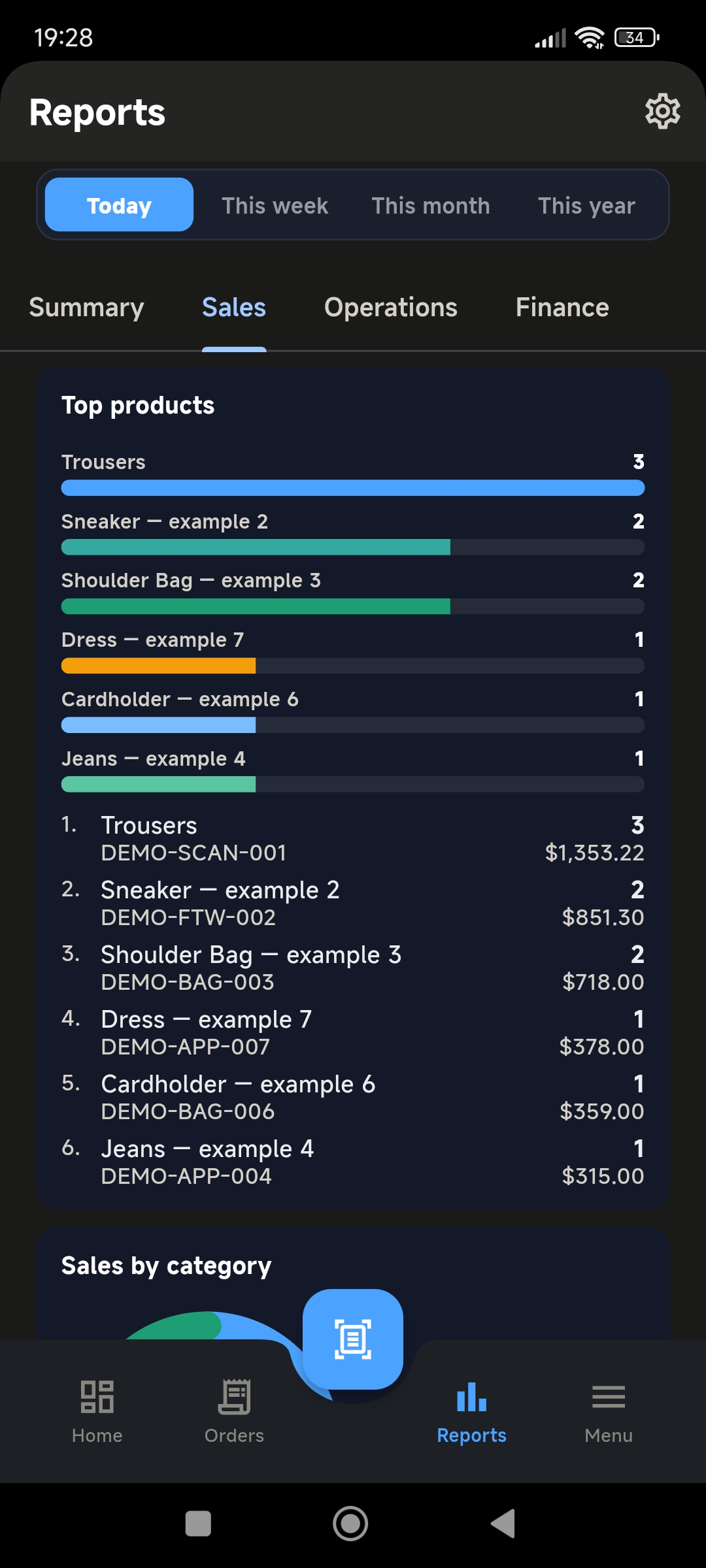
Reports
Channel mix first (orders, units, revenue). Then the product ranking — both on the Reports tab.
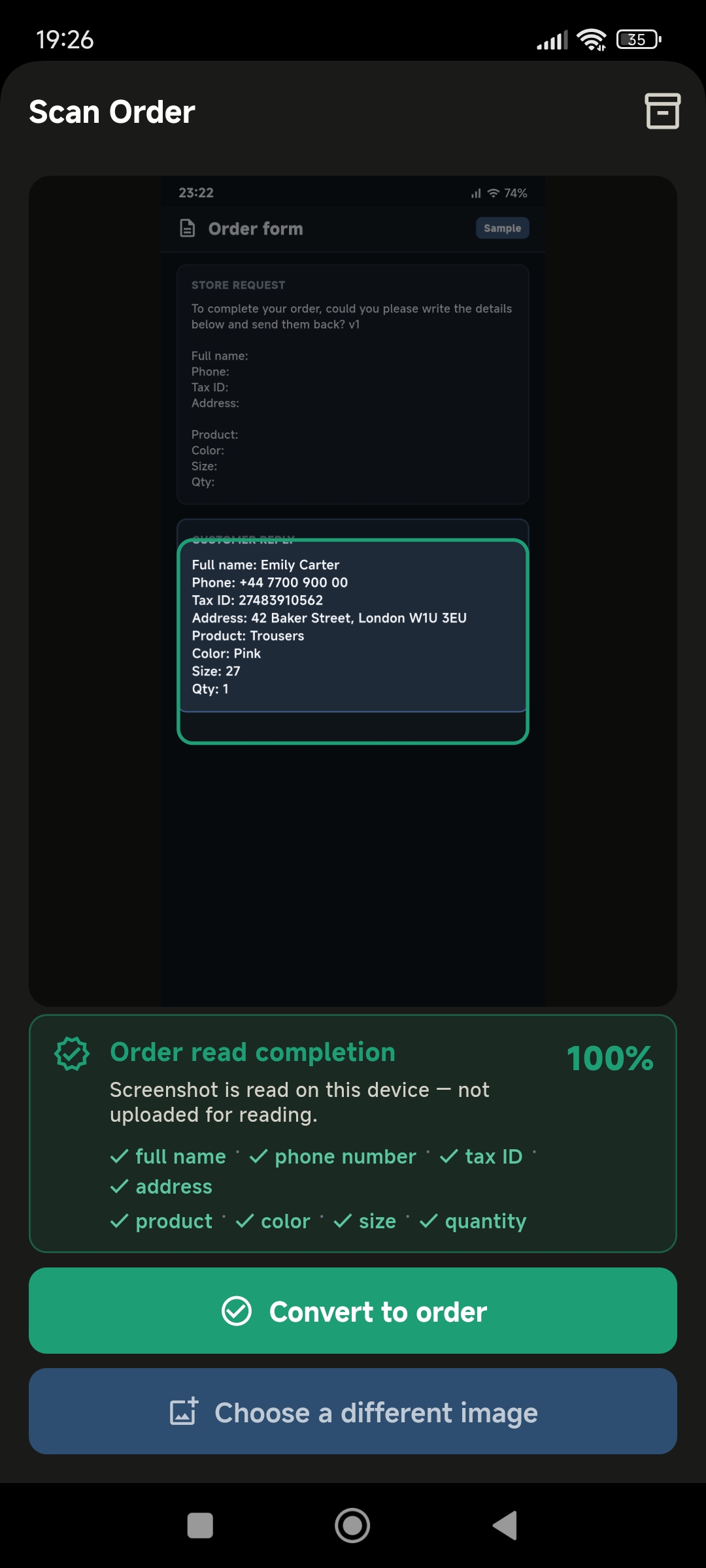
Share a screenshot from WhatsApp, Instagram, Facebook, or TikTok, or capture one with the camera — on-device OCR suggests an order. You can also type the order.
WhatsApp, Instagram, Facebook, and TikTok are trademarks of their respective owners. LoopEraSell is not affiliated with or endorsed by these platforms.
Customer, product, size, color, quantity, address, and contact land on a draft. You see it before it is saved. Reading stays on the device.
Match the catalog, fix what OCR missed, then save. Stock updates in the same place.
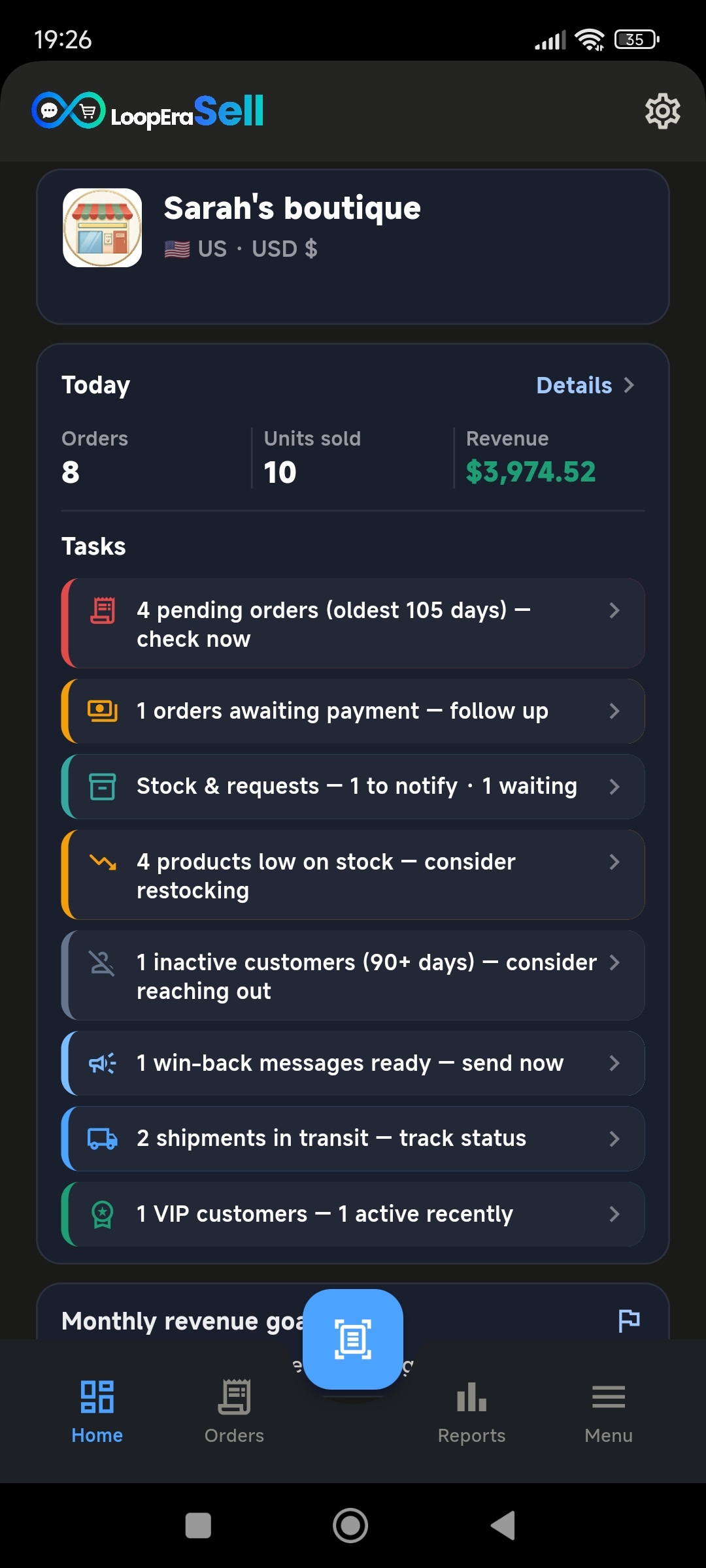
The home screen shows the day’s work: pending orders, money to collect, shipments in transit, and stock to reorder. Optional live tracking uses your own 17TRACK API key in Settings.
No official third-party platform API is required. The app works through your device share menu and profile links.
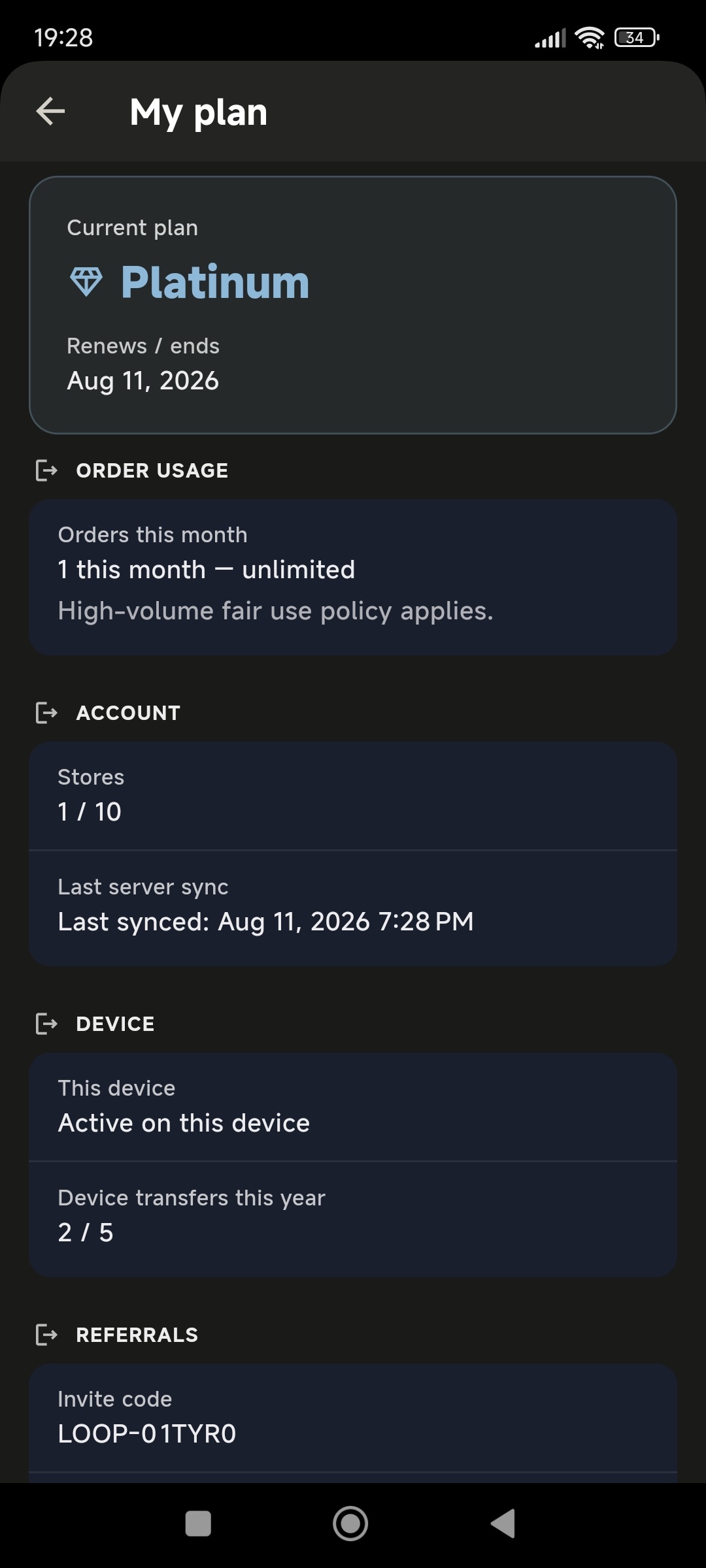
Usage and plan sit in the app after those 50. Google Play bills the subscription; this screen is the receipt, not a pricing table on the website.
Prices, campaigns, backup, and follow-up — all in one app.
Share a message screenshot with LoopEraSell. On-device OCR creates a draft order for you to review and save.
See pending orders, payments, stock alerts, and customer follow-up reminders on the home screen.
Products, variants, photos, and live stock levels — track what you sell without a separate inventory app.
Price lists, discounts, and bundle campaigns in one place — apply the right offer when the order is built.
Keep customer profiles and order histories together. Use Customer Radar to identify customers who may need a follow-up.
Bulk-load products, customers, prices, and discounts from spreadsheets — and export lists when you need them.
Create a password-protected .looperasell backup and save it to your phone or Google Drive. Restore the backup when setting up a new device.
Orders, customers, and products live in your local database by default. LoopEraSell does not sell your store data.
Review sales reports on the phone and choose a plan that fits your order volume. Subscriptions are billed through Google Play.
The daily flow in one short video.
The full interface follows the language you choose. Switch anytime in the app.
 English
 Français
 Deutsch
 Italiano
 Español
 Português
 Bahasa Indonesia
 Türkçe
Before you install — how it works, data, backup, and plans.
Share a screenshot from WhatsApp, Instagram, Facebook, or TikTok, or capture one with the camera. On-device OCR drafts the order — you review, match products, and save.
Yes. Enter the order yourself or use in-store quick sale. A screenshot is optional.
No. Ready replies are for you to copy or share. The app does not send messages automatically.
No. No official third-party platform API is required. You share a screenshot from your phone, or capture it in the app. LoopEraSell is not affiliated with or endorsed by WhatsApp, Instagram, Facebook, or TikTok.
No. Catalog, variants, stock, customers, and follow-up run on the phone. Excel import and export is optional.
Yes. Supplier records and supplier orders are in the app. Excel import and export for suppliers is available on some plans.
Yes. Save the tracking number on the order. For automatic status in the app, paste your own 17TRACK API key under Settings → Live shipment tracking. You can still open 17TRACK without a key. LoopEraSell is not affiliated with 17TRACK.
Orders, customers, and products stay on your device by default. Firebase is used for account and subscription checks. Details are in the privacy policy.
Data stays on the phone by default. Create an encrypted .looperasell backup and restore it on the new device.
Yes. The first 50 orders are free. You do not need a card to start.
Then you choose Silver, Gold, or Platinum. Monthly order quota and features vary by plan. Prices for your country are in the app and on Google Play.
Subscriptions are billed through Google Play. The price you see in the store listing is the one for your country.
English, Türkçe, Deutsch, Français, Español, Italiano, Português, and Bahasa Indonesia.
Google Play (Android) is available now. App Store coming soon.
Tell us what would make your daily workflow easier.